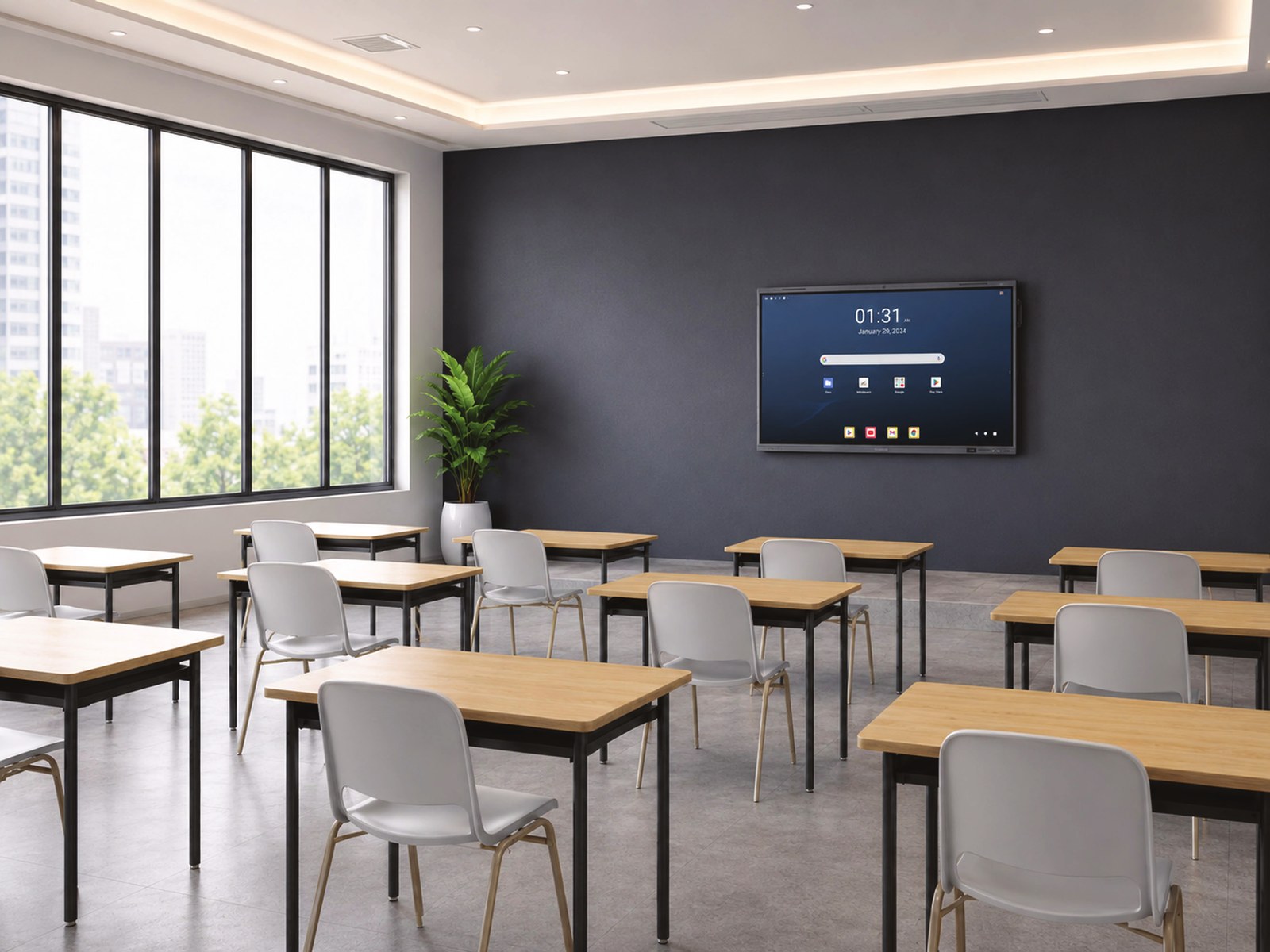
Smart boards for schools: what to look for in 2026
Interactive smart boards are replacing whiteboards and projectors in classrooms across South Africa. They’re bright enough to read with the lights on, there’s no projector bulb to replace, and teachers can save every lesson. Here’s what to check before your school buys one.
1. Screen size for the room
As a rule of thumb:
| Room | Suggested size |
|---|---|
| Small classroom, staff room or meeting room | 65-inch |
| Standard classroom | 75-inch |
| Large classroom, lab or hall | 86-inch |
Learners at the back must be able to read the board comfortably. If in doubt, go one size up.
2. Google apps or not?
If your school runs on Google Workspace for Education or Google Classroom, choose a Google-certified board (look for “Google EDLA”). These run Google Play apps on the board itself. Boards without certification can still use Google apps through a browser or an add-on Windows computer module.
3. Wireless sharing
Teachers shouldn’t need a cable to show their laptop. Check that learners and teachers can share from laptops, tablets and phones wirelessly, and how many screens can show at once. Some boards show up to 9, which is useful for group work.
4. Built-in camera and microphones
A built-in camera and microphone array means the classroom is ready for remote lessons, parent meetings and staff training without extra equipment.
5. Saving and sharing lessons
Look for automatic cloud saving, so notes and drawings aren’t lost when the board is cleared, and teachers can share the lesson with learners afterwards.
6. Hidden licence costs
Some boards charge yearly licences for their teaching software. Ask what’s included for free, such as voting, timers and screen-sharing tools, and what costs extra.
7. Installation, training and support
A smart board only helps if teachers use it. Make sure your supplier mounts it properly, sets it up on the school network, trains your staff, and answers the phone when something goes wrong.
8. Rent or buy
Monthly rental spreads the cost over the term of the agreement and avoids one big capital outlay, which helps school budgets. Ask for both options.
Need help choosing?
Office Cloud supplies, installs and supports Dahua DeepHub smart boards for schools, along with the printers that schools rely on every day.
KwaZulu-Natal: 032 150 0555 · Johannesburg: 011 023 4538 · enquiries@officecloud.co.za