
Interactive smart boards for classrooms and meeting rooms
Teach, present and run video meetings from one touch screen. Office Cloud supplies Dahua DeepHub smart interactive whiteboards for schools and offices, with installation, setup and training from the same team that looks after your printers and phones.
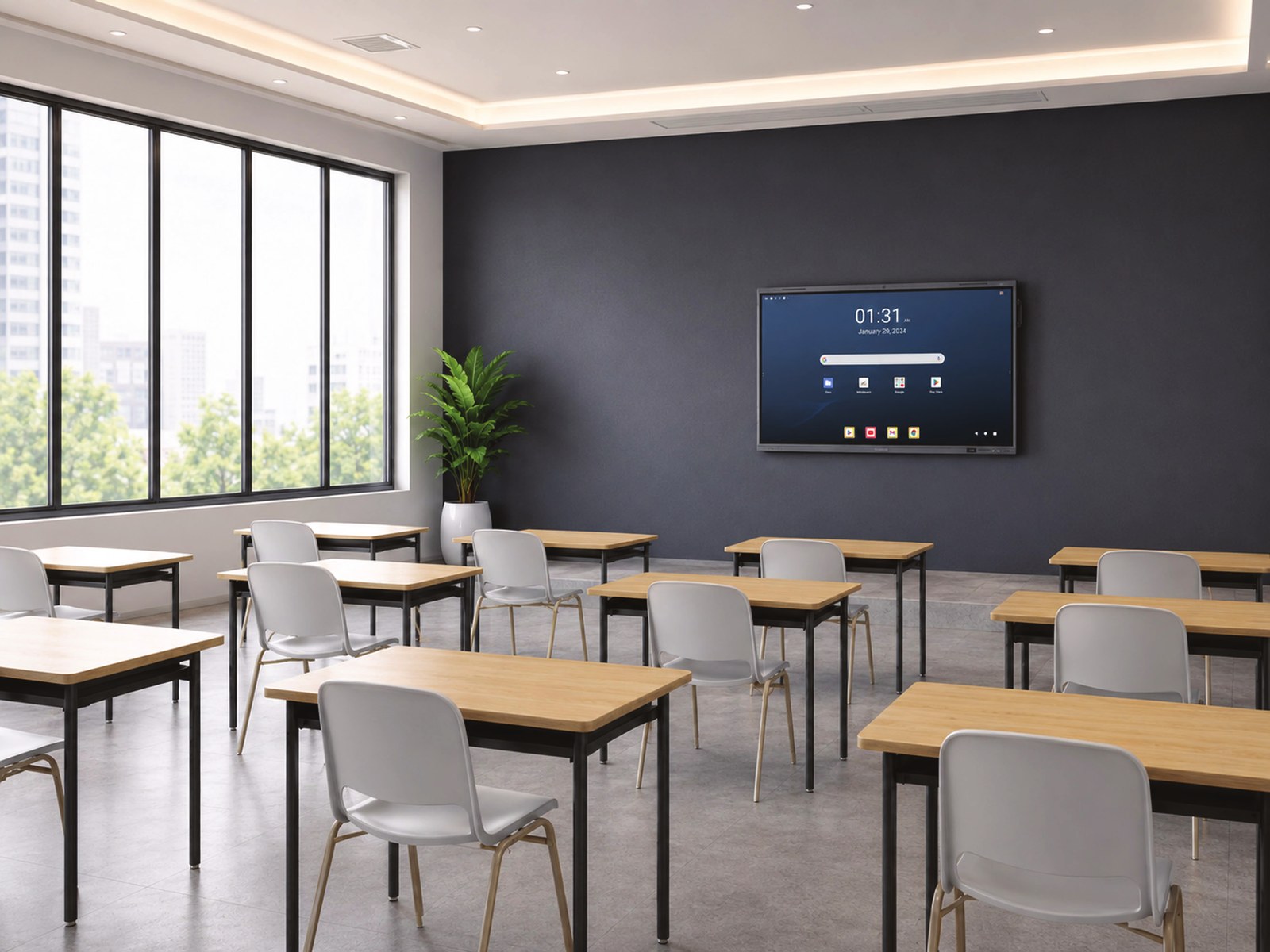
What a smart board does
- Touch and write. A high-resolution touch screen you write on like a whiteboard, with handwriting recognition that turns writing into text.
- Share any screen, wirelessly. Teachers, learners and colleagues share from a laptop, tablet or phone, with up to 9 screens on the board at once.
- Video meetings built in. A built-in camera, microphones and speakers, so a meeting room or classroom is ready for video calls without extra equipment.
- Lessons and meetings saved. Notes and drawings save automatically to the cloud, so nothing is lost when the board is cleared.
- Classroom tools. Voting, a timer and a spotlight tool to keep a lesson or meeting on track.
Who it’s for
| Who | How they use it |
|---|---|
| Schools | Classrooms, staff rooms and school halls. Interactive lessons, wireless sharing from learners’ devices, and saved lessons to share afterwards. |
| Offices | Meeting rooms and boardrooms. Present, brainstorm and join video calls from one screen. |
| Healthcare | Training rooms and team briefings. |
| Retail | Staff training and presentations. |
Two ranges, three sizes
Both ranges come in 65-inch, 75-inch and 86-inch sizes.
| DeepHub MC410 and MC420 series | DeepHub MC480 series | |
|---|---|---|
| Best for | Classrooms and standard meeting rooms | Boardrooms, and schools that use Google apps |
| System | Android 14, with an optional Windows computer module (OPS) | Android 15, Google certified (Google EDLA), 8-core processor, 8 GB memory and 128 GB storage |
| Camera | Built-in 4K camera | 48 MP camera with voice tracking and auto-framing |
| Audio | 8-microphone array, 40 W speakers | 52 W speakers |
| Sharing and connections | Wireless sharing from any device, up to 9 screens at once | Wireless sharing, NFC, USB-C with 65 W charging, and bring-your-own-meeting from your laptop |
| Extras | Cloud auto-save, voting, timer, spotlight with no extra licences | Google Play apps on the board |
Not sure which? If your school or office works in Google apps, the MC480 is the better fit. For most classrooms and meeting rooms, the MC410 and MC420 series does everything you need.
Accessories
| Accessory | What it’s for | |
|---|---|---|
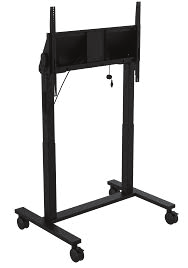 |
Mobile stands and wall mounts | Move the board between rooms, or mount it on the wall. |
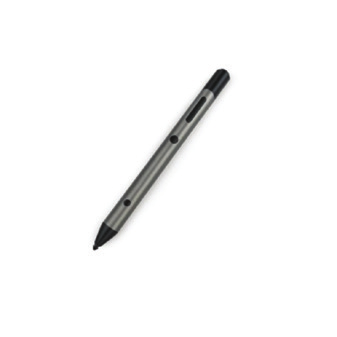 |
Stylus pen | Precise writing and drawing on the board. |
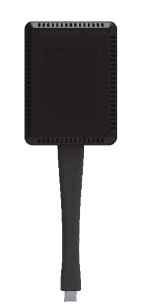 |
Wireless sharing button | Plug into a laptop and share its screen with one press. |
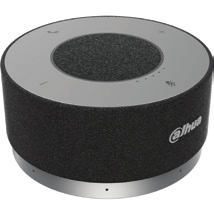 |
Speakerphones | Clear audio for bigger meeting rooms. |
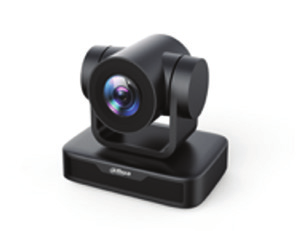 |
PTZ and video bar cameras | Cover larger rooms and boardrooms in video calls. |
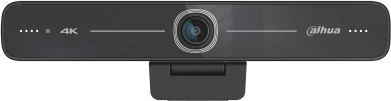 |
USB cameras | An extra camera angle for the room. |
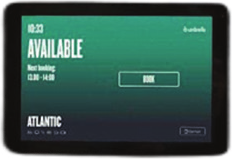 |
Room booking display | A screen outside the meeting room showing whether it’s free or booked. |
Installed, set up and supported
- Free consultation. We look at the room, how it’s used and the size of screen it needs.
- Installation. We mount the board on the wall or a mobile stand and connect it to your network.
- Setup and training. We set up wireless sharing and video calling, and show your teachers or staff how to use it.
- Support. When you need help, you call the team that installed it.
Rent monthly or buy outright. Spread the cost of your smart boards over a monthly rental, or buy them outright. We’ll quote both.
Frequently asked questions
Can learners share from their own devices?
Yes. Laptops, tablets and phones can share to the board wirelessly, with up to 9 screens shown at once.
Can we use it for Microsoft Teams or Zoom calls?
Yes. The built-in camera, microphones and speakers work for video calls, and you can connect a laptop to run your usual meeting app on the board.
Can we use Google apps on the board?
The MC480 series is Google certified, so Google Play apps run on the board itself. On the MC410 and MC420 series, you can use Google apps through a browser or a Windows computer module.
Which size do we need?
As a rule of thumb, 65-inch suits smaller meeting rooms, 75-inch suits most classrooms and meeting rooms, and 86-inch suits large classrooms and boardrooms. We’ll recommend the right size when we see the room.
Can we rent instead of buying?
Yes. We offer monthly rental or outright purchase.
Ask about smart boards
KwaZulu-Natal: 032 150 0555 Johannesburg: 011 023 4538 Email: enquiries@officecloud.co.za